

Secure public-access PCs, kiosks and consoles
Internet Cafe is a cloud-based platform designed to manage and control public-access PCs and consoles from one dashboard, combining access control, session management, billing, and marketing in a secure, reliable environment.
It lets you define exactly what users can access-apps, games, and browsing-while giving staff real-time visibility and control through centralized monitoring, logs, and usage reports.
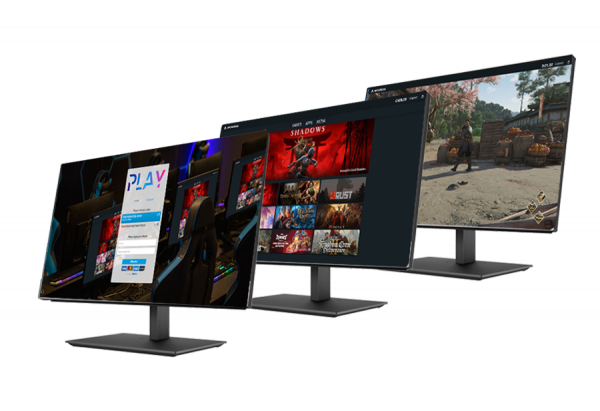
Two secure modes for shared environments
Internet Cafe is built around two operating modes, so you can apply the right level of control for each type of public-access device. Both modes are designed to reduce misuse by limiting what users can access and how the session behaves.
Choose Café Mode for managed, shared use (staffed venues).
Kiosk Mode is for unattended terminals (self-service use), while keeping everything centralized in the same cloud-based dashboard.
Administrators can monitor activity in real time and rely on detailed logs and usage reports for oversight and auditing.
Café Mode security
(managed stations)
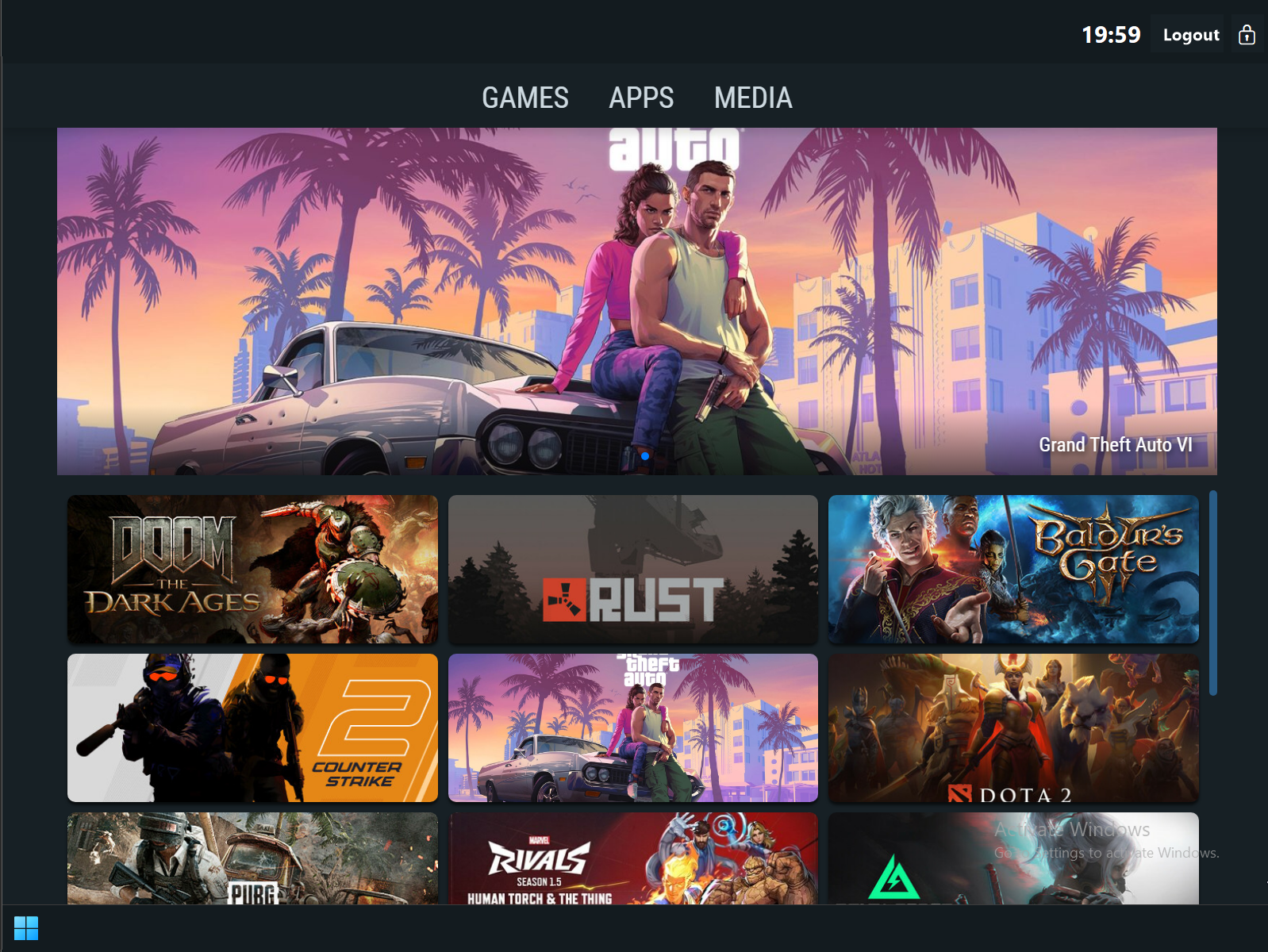
In Café Mode, Internet Cafe creates a fully managed environment for shared computer access. Users can launch approved apps or games while other system parts remain hidden or blocked, helping you keep stations consistent and controlled.
Internet Cafe also supports app grouping (e.g., Games, Media, Tools) and can block access to specific apps, system tools, or Windows features (such as Open, Save, or Run). The desktop is replaced with a secure interface, and a restricted browser can be launched when needed.
Kiosk Mode security
(secure browsing terminals)
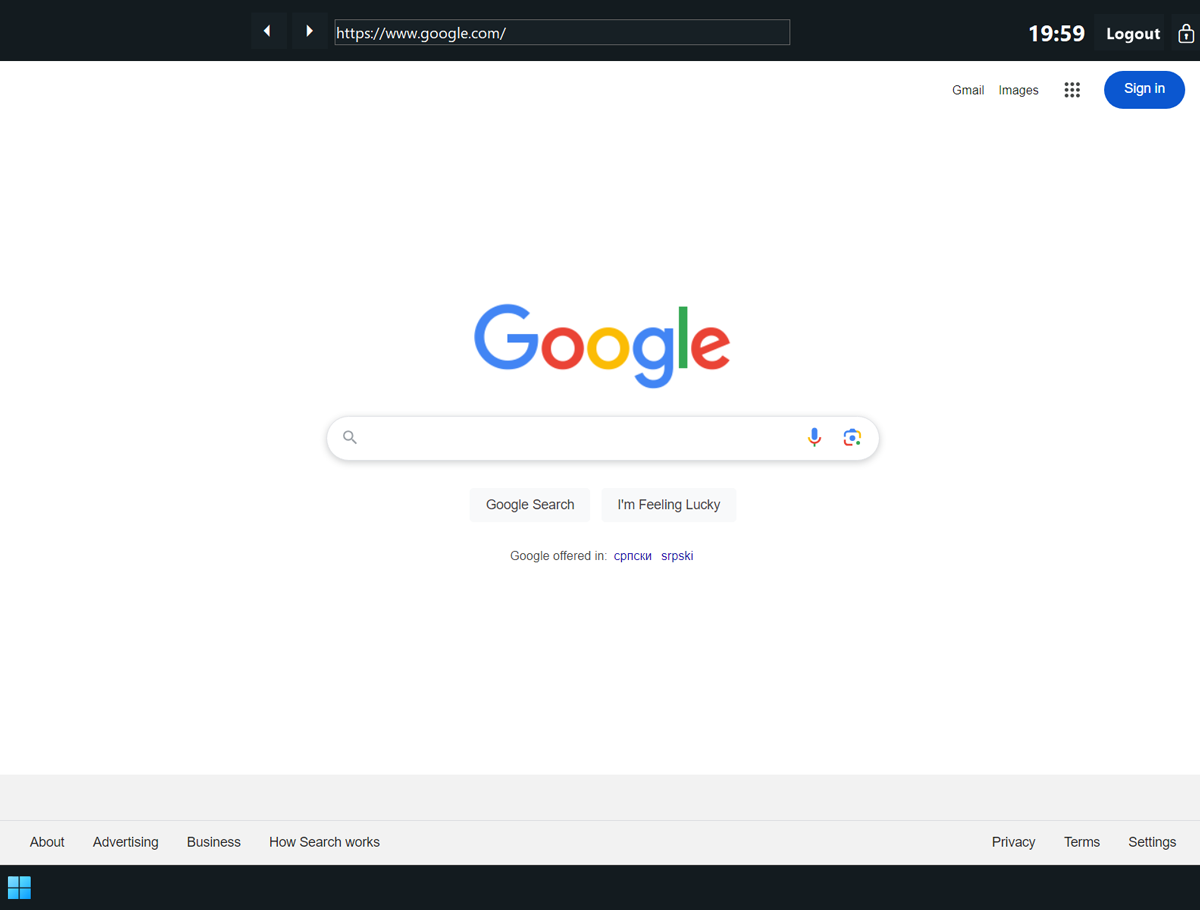
Kiosk Mode is built for unattended devices like waiting-room terminals or information desks. Instead of a full desktop, the system boots directly into a secure Chromium-based browser on a predefined page, giving users controlled browsing without access to system settings.
Kiosk Secure Browser restricts browsing to approved websites and supports customizable start pages, session time limits, and URL whitelisting or blacklisting. It's designed to prevent access to system settings or unauthorized content and keep devices user-friendly in public spaces.
Who is it for?
Secure access and session policies
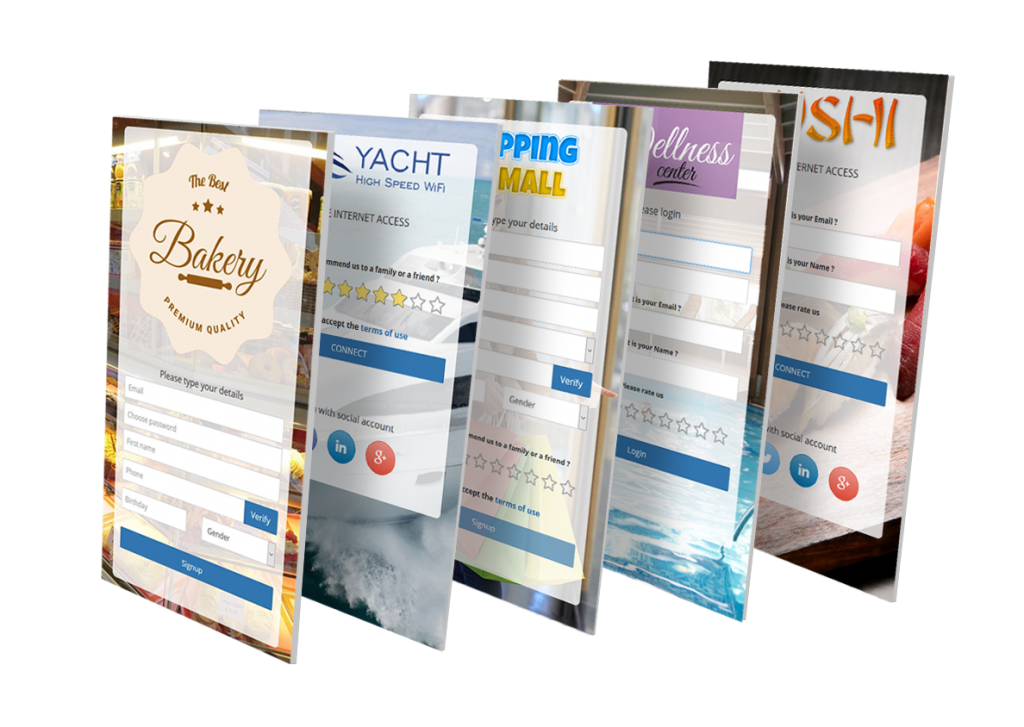
Internet Cafe supports multiple authentication options, including individual accounts, prepaid vouchers, one-time passwords (OTP), and instant access after a brief video ad. You can offer limited free trials or automate signups with integrated payment options.
Customizable session rules can automatically log out inactive users, helping keep stations ready for the next customer and reducing unattended access.
Centralized control and visibility
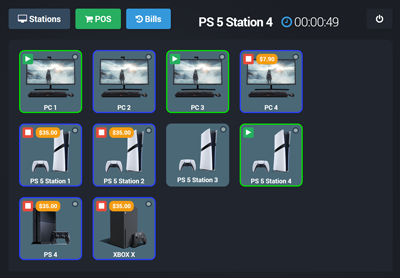
Internet Cafe provides a live overview of connected stations through the dashboard, tracking sessions in real time with detailed logs and usage reports to support operational decisions and auditing.
The Dashboard is the main control center, giving quick access to Stations (live station grid) and daily workflows without switching screens, along with device status visibility (online, idle, error).